


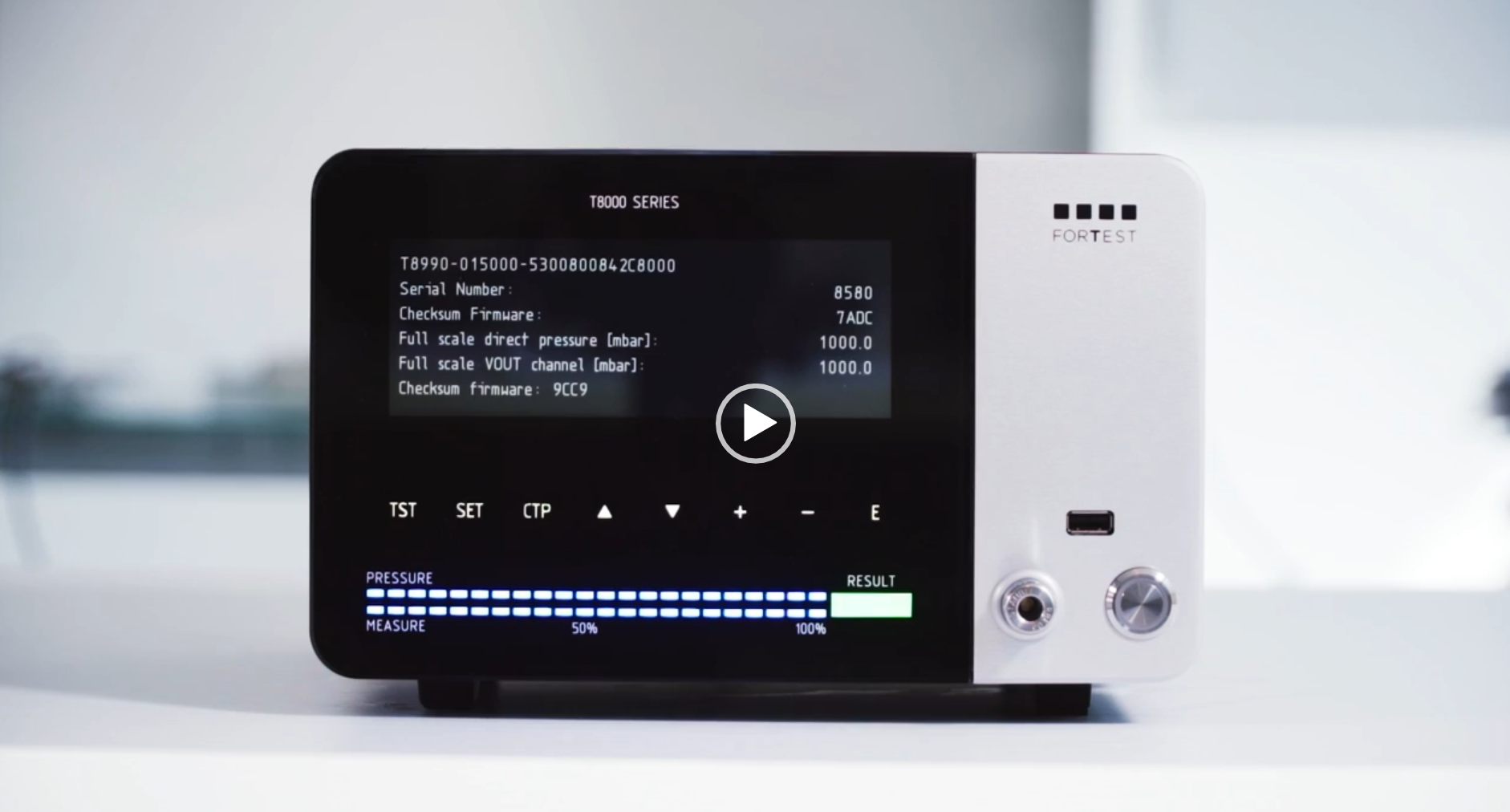
Setting up and connecting test objects to the leak tester is quick and easy using 5 standard parameters.
With the leak tester, you can enter the desired pressure level, test object fill time, stabilisation time and test time as standard. As the last parameter, one also specifies the maximum pressure drop.
The [TST] key allows you to enter or exit the menu for setting the test parameters. If you are outside the Test menu, pressing this button allows you to enter the menu, the first screen of which is displayed.
The [SET] key enters or exits the leak tester parameter setting menu and the device-specific parameter summary menu.
Key [CTP] Allows you to enter or exit the Counting Piece Menu. This menu gives an overview of leak tests run through and provides insight into the result.
Related blogs

Gijsbert at IONIO is here to help you.
At IONIO, we not only supply advanced testing and measurement systems, but also offer clear and expert advice to optimise the testing of your product.
Find out how we can improve your business processes. A consultation can be scheduled in no time!










Also collaborate on technical challenges?
Then you have come to the right place at IONIO!